
Download XnView Portable – Fast, Free, Secure Image Viewer for Windows
Overview
XnView Portable is a lightweight, USB‑ready version of the popular XnView image manager. Designed for photographers, designers, and casual users who need a reliable file explorer that specialises in images, the portable edition brings the full power of XnView to any Windows PC without a traditional installation. Whether you travel for work, move between office stations, or simply prefer to keep your favourite tools on a flash drive, XnView Portable delivers a familiar two‑pane interface, support for hundreds of graphic formats, and a modest set of editing tools—all while staying completely self‑contained. The program can also preview non‑image media such as AVI videos and MP3 audio files, making it a versatile media browser for on‑the‑go workflows. Although it does not replace professional editors like Photoshop, XnView Portable offers essential adjustments—crop, resize, brightness, contrast, red‑eye removal, and basic colour correction—directly from the viewer. Its “no‑install” nature means you can launch it from any Windows computer, keep your settings saved on the USB key, and stay confident that no registry entries or leftover files clutter the host system. This combination of portability, format breadth, and ease of use makes XnView Portable an ideal companion for anyone who needs a quick, free, and secure way to manage images wherever they go.
Key Features of XnView Portable
- Supports over 500 image formats, including RAW files from major camera brands.
- Two‑pane interface: folder tree on the left, thumbnail view on the right.
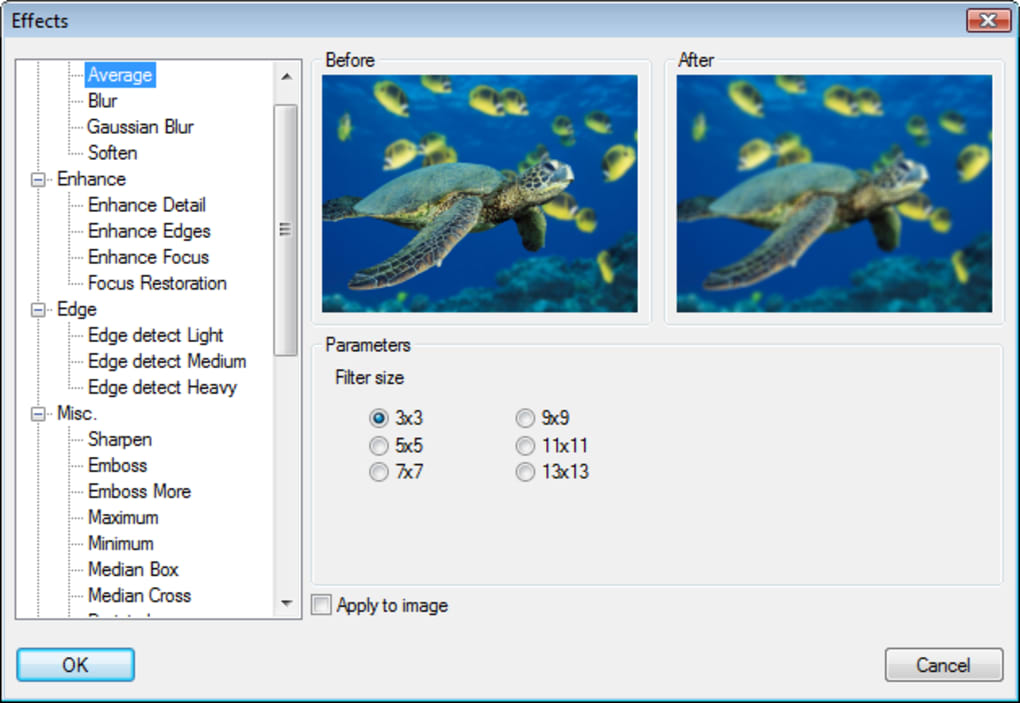
- Basic editing tools: crop, resize, rotate, brightness/contrast, red‑eye removal.
- Batch processing for renaming, conversion, and watermarking.
- Slideshow mode with transition effects and music playback.
- Media preview for AVI, MP4, MP3, WAV, and other common formats.
- Portable launch from USB, external SSD, or cloud‑synced folder.
- Full keyboard shortcuts for rapid navigation and editing.
- Customizable toolbar and layout saved directly on the portable drive.
- Free for personal and commercial use under the XnView license.
These features are packed into a single executable that weighs less than 30 MB, ensuring a fast start‑up time even on older hardware. The batch processor, in particular, shines for users who need to apply the same adjustments to dozens or hundreds of photos—perfect for event photographers who must quickly prepare images for delivery. Because the program runs entirely from the USB key, all preferences, shortcuts, and thumbnail caches stay with you, guaranteeing a consistent experience on every machine you plug into.
Installation, Compatibility, and How to Use XnView Portable
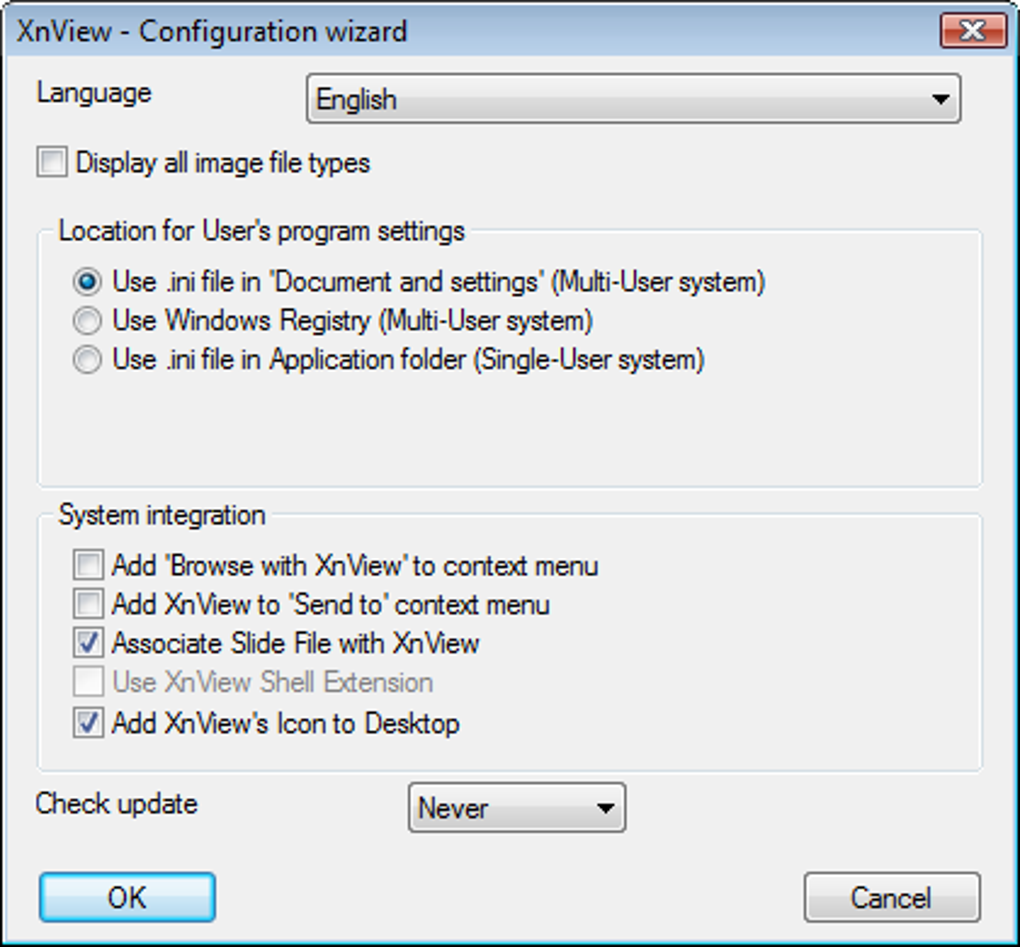
Installation: XnView Portable requires no traditional installation. Simply download the ZIP archive from the official XnView website, extract the contents onto your USB flash drive, and run xnview.exe. The program automatically creates a hidden folder on the drive to store user settings, thumbnails, and temporary files. Because it does not write to the Windows registry, you can safely remove the drive after use without leaving traces on the host computer.
Operating System Compatibility: The portable edition is built for Windows 7, 8, 8.1, 10, and 11 (both 32‑bit and 64‑bit). While XnView also offers Mac and Linux versions, the portable build discussed here is Windows‑only. It runs smoothly on low‑spec machines, requiring only a modest amount of RAM (≈ 200 MB) and minimal CPU resources.
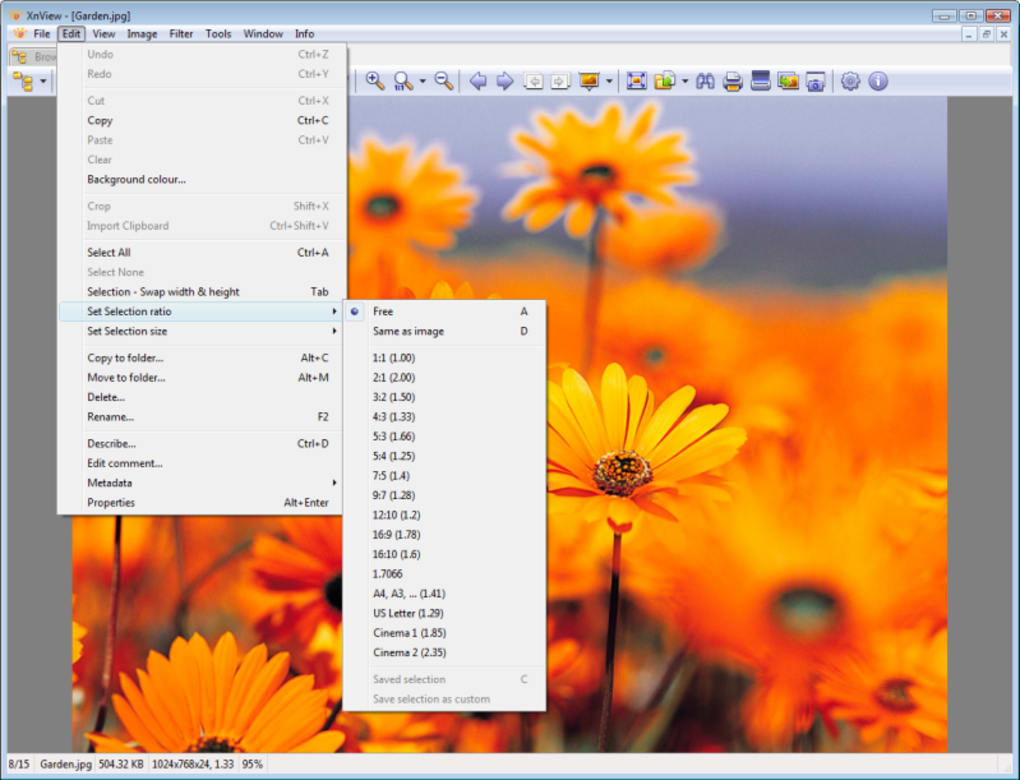
First‑time launch: Upon opening, you’ll see the classic two‑pane layout. Use the left pane to navigate to any folder on the host PC or on your portable drive. The right pane instantly generates thumbnails, allowing you to preview dozens of images at a glance. Double‑click any thumbnail to open the full‑screen viewer, where editing tools appear in a floating toolbar.
Basic workflow: Select an image, click the Tools menu, and choose actions such as Resize, Crop, or Adjust Colors. Changes are applied non‑destructively until you choose Save As, at which point you can preserve the original file. For batch operations, highlight multiple files, then select Batch Convert/Rename from the Tools menu. You can define output formats, apply a watermark, or rename files using a customizable pattern.
Tips for power users: Enable the Thumbnail Cache option under Settings → Preferences → Cache to speed up folder loading on subsequent sessions. Use the Keyboard Shortcuts reference (press F1) to accelerate navigation—Space for next image, Backspace for previous, Ctrl+S to save quickly. Finally, the Export to HTML feature lets you generate a web gallery directly from a folder, useful for sharing portfolios without uploading to external services.
Pros, Cons, Frequently Asked Questions, and Final Verdict
Pros
- Fully portable—no installation, no registry entries.
- Supports an extensive range of image and media formats.
- Lightweight and fast, even on older PCs.
- Batch processing saves time for large photo sets.
- Free for both personal and commercial use.
Cons
- Lacks advanced editing features found in Photoshop or GIMP.
- Portable version is Windows‑only; no native Mac/Linux portable build.
- Interface may feel dated compared to modern photo managers.
- Some users report occasional thumbnail cache corruption on very large drives.
Frequently Asked Questions
Is XnView Portable completely free?
Yes, XnView Portable is free for both personal and commercial use under the XnView license. No hidden fees or trial periods apply.
Can I run XnView Portable on macOS?
The portable build discussed here is Windows‑only. macOS users can download the standard XnView MP version, which must be installed conventionally.
Does XnView Portable support RAW files from my DSLR?
Absolutely. XnView Portable reads over 200 RAW formats, including CR2, NEF, ARW, and many others, allowing you to preview and perform basic adjustments without converting first.
How secure is the portable version when I use it on public computers?
Because XnView Portable does not write to the host system’s registry or create permanent files, it is considered safe for public computers. All settings stay on your USB drive, and you can delete the temporary cache folder before unplugging.
Can I update XnView Portable to a newer version?
Yes. Simply download the latest portable ZIP from the official site, replace the old files on your drive, and keep your existing settings folder (or delete it to start fresh).
Conclusion – Should You Download XnView Portable?
If you need a fast, free, and truly portable image manager that works on any Windows computer, XnView Portable is an excellent choice. Its massive format support, intuitive two‑pane layout, and handy batch tools give you enough power to handle everyday photo workflows without the bloat of a full‑install suite. While power users may miss advanced features, the trade‑off of zero‑install convenience makes it hard to beat for travel, field work, or quick on‑the‑fly editing. Download XnView Portable today, store it on a USB key, and enjoy a reliable, secure image viewer wherever you go.







